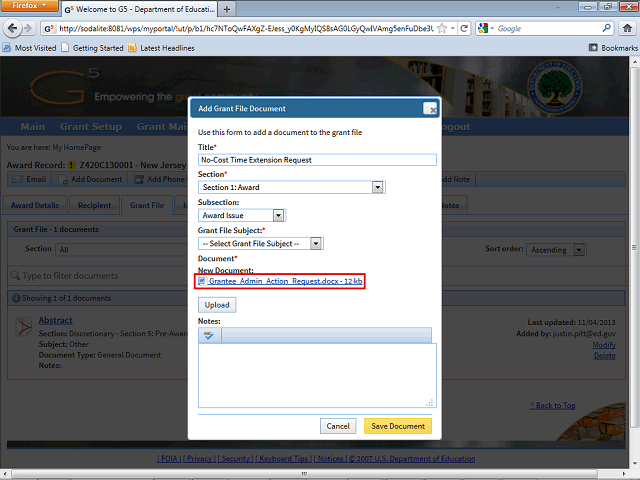
Note: Once the document is successfully uploaded, you will be able to view the document by clicking on the file name in the Add Grant File Document window.
Next Step
Table of Contents Topic Overview BackPress Alt + Left Arrow to return to the previous page