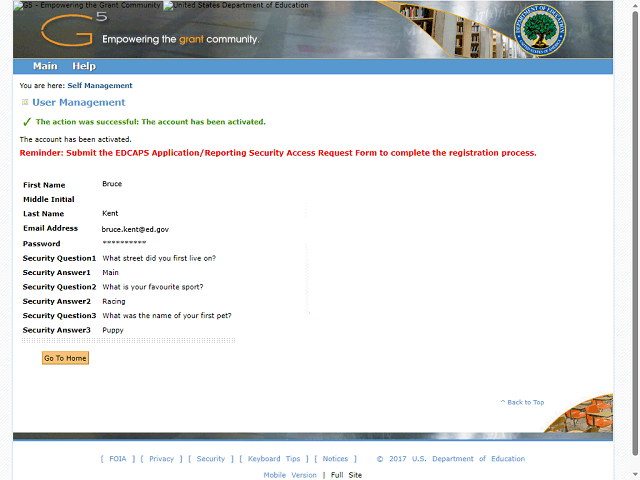
You will receive a message confirming your account has been activated.
Next, you will need to contact the G5 Administrators to have your requested G5 roles assigned to your account.
Next Step
Table of Contents Topic Overview BackPress Alt + Left Arrow to return to the previous page