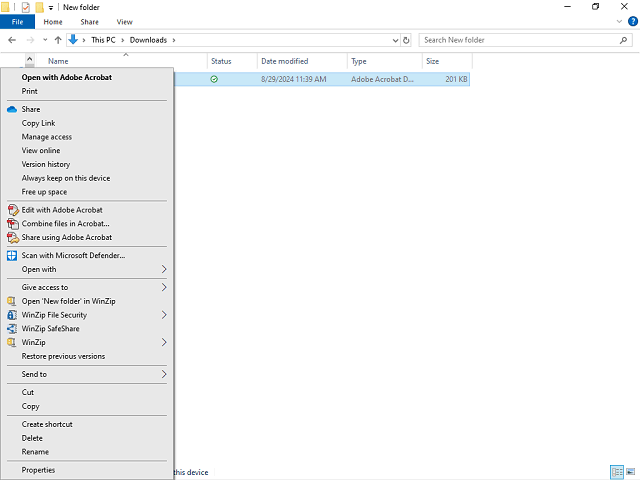
Alternative 1:
Click the Delete menu item.
Next Step
Alternative 2:
Press [D].
Table of Contents Topic Overview BackPress Alt + Left Arrow to return to the previous page