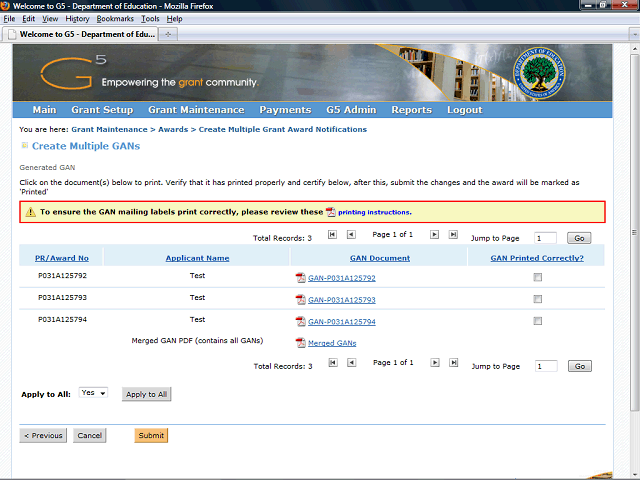

After you print the GANs, you may close the window and return to the G5 screen. You may simultaneously mark that all the GANs printed correctly by using the Apply to All function.
Click the Apply to All button to indicate that all the GANs printed correctly.