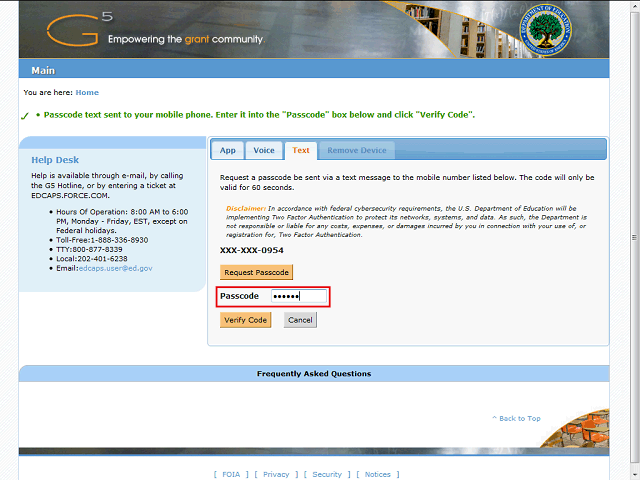
The code has been entered for you in this example.
Note: The code will be active for 60 seconds from when you receive the text message. If you do not enter the code in the Passcode field within the 60 second window, you must press the Request Passcode button again to receive another text message with a new code.