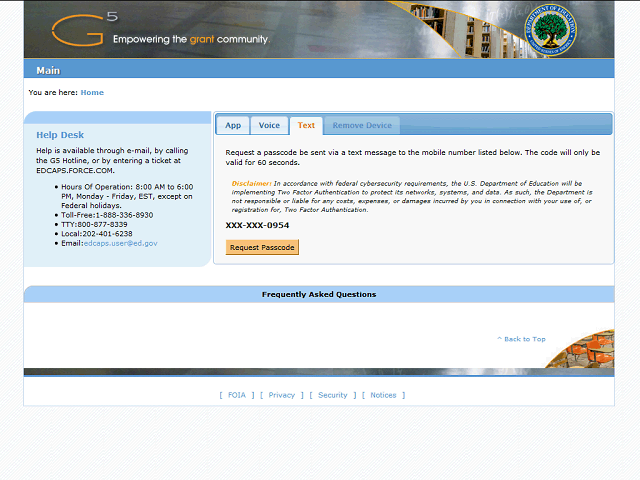
The Text tab allows you to authenticate your G5 login by receiving a text message.
The page will display the phone number you entered in the Mobile Number field on your G5 profile. You will receive a text message at this phone number which will provide you with a numerical code which you must enter in the Passcode field on this page.