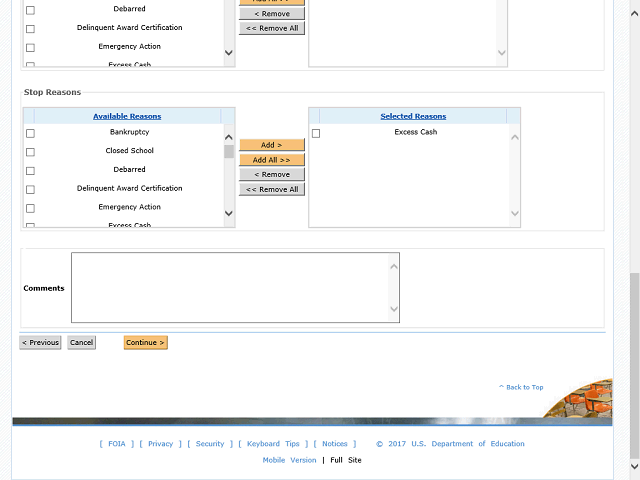
Enter a comment explaining why the grantee is being flagged into the Comments field.
For this example, enter a valid value e.g. "All awards under this UEI are placed on Stop Payment.".
Next Step
Table of Contents Topic Overview BackPress Alt + Left Arrow to return to the previous page