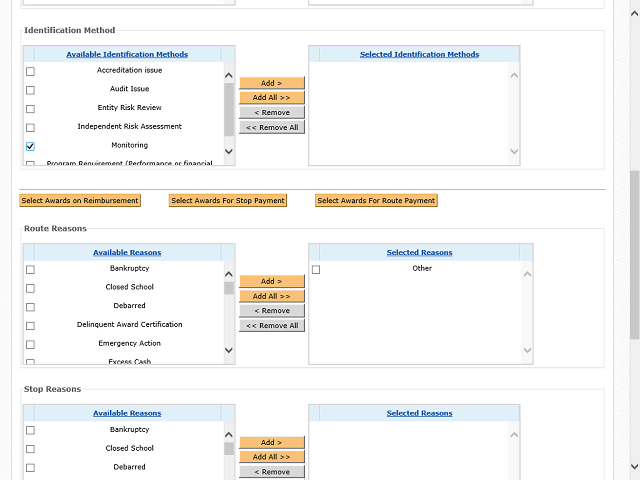
Click the Add > button to add the reason you selected to the Selected Identification Methods column.
Next Step
Table of Contents Topic Overview BackPress Alt + Left Arrow to return to the previous page