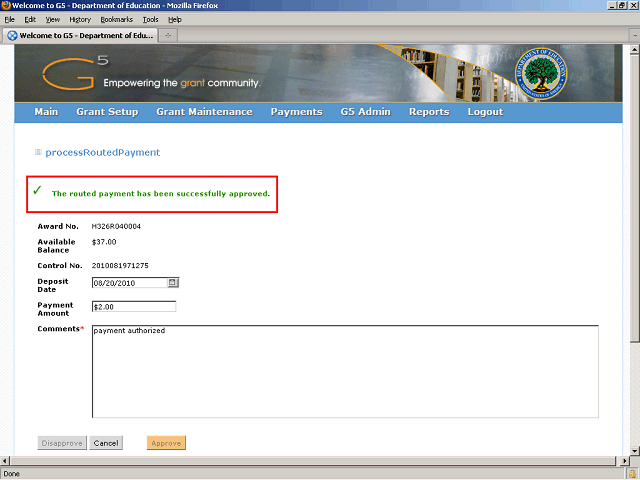
The system displays a message indicating that the payment has been approved.
Click the Cancel button to cancel the current screen and return to your task list.
Next Step
Table of Contents Topic Overview BackPress Alt + Left Arrow to return to the previous page