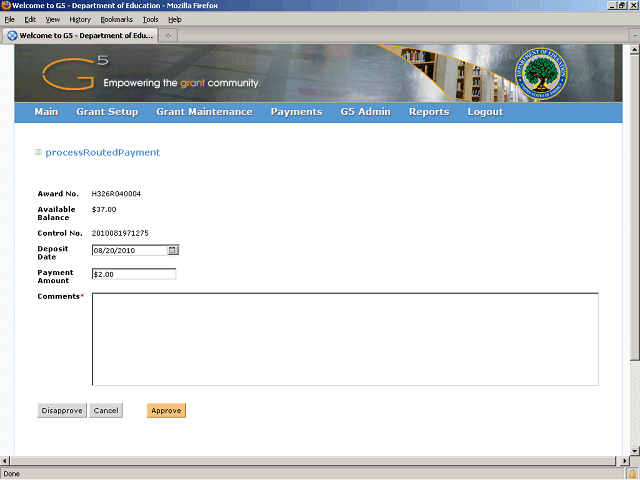
For this example, the task is approving a routed payment and a comment is required.
Enter the approval reason into the Comments field. Enter a valid value e.g. "payment authorized".
Next Step
Table of Contents Topic Overview BackPress Alt + Left Arrow to return to the previous page