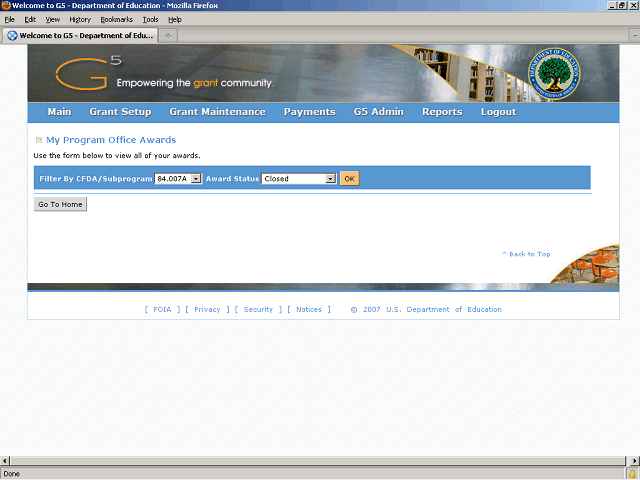

The system displays a search screen for awards associated to your Email ID (based on program office). The first CFDA associated to your program office defaults in the Filter By CFDA/Subprogram field.
Click the button to the right of the Filter By CFDA/Subprogram field to display the entire list of CFDAs and subprograms associated to your program office.