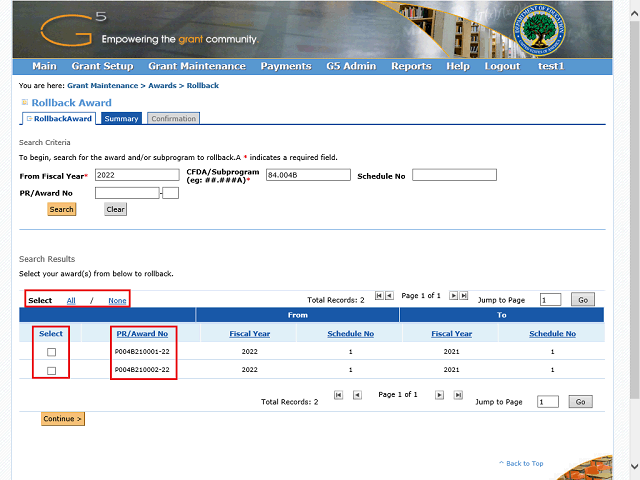
Note: If you want to rollback all the awards which display, you may click the All link. If you need to select only part of the list, you may check the check boxes for the awards you wish to rollback.
For this example, we will rollback a single award.
Also Note: The Budget Fiscal Year is displayed at the end of each PR/Award Number.