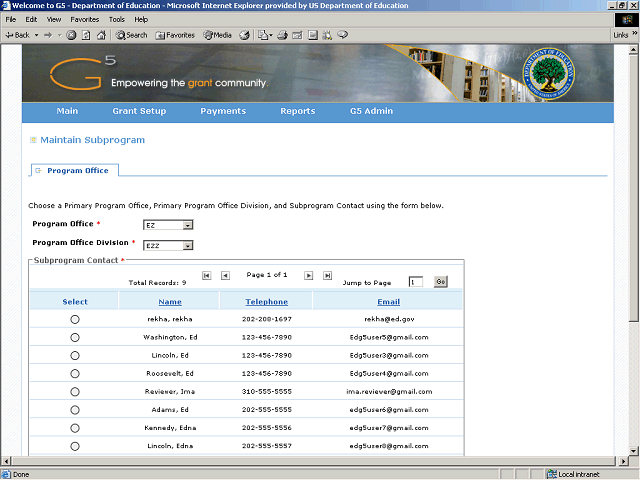
The system displays the existing contacts which are associated with the Program Office and Division you selected.
Click the Vertical scrollbar to scroll down and review the list.
Next Step
Table of Contents Topic Overview BackPress Alt + Left Arrow to return to the previous page