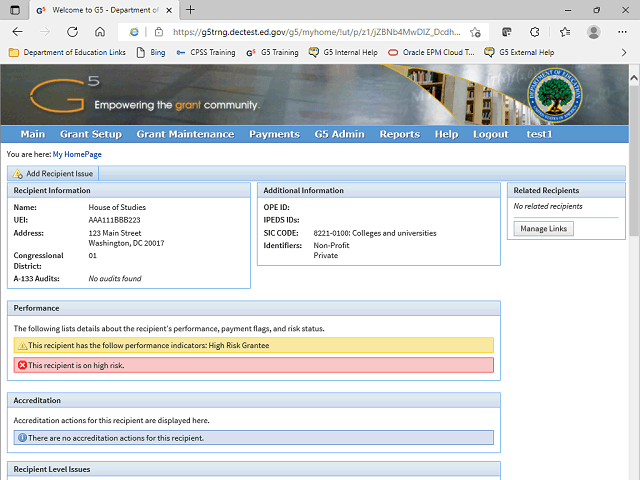
You can now view recipient information for the related grantee.
To return to the original award, click the Back button on your browser.
Next Step
Table of Contents Topic Overview BackPress Alt + Left Arrow to return to the previous page