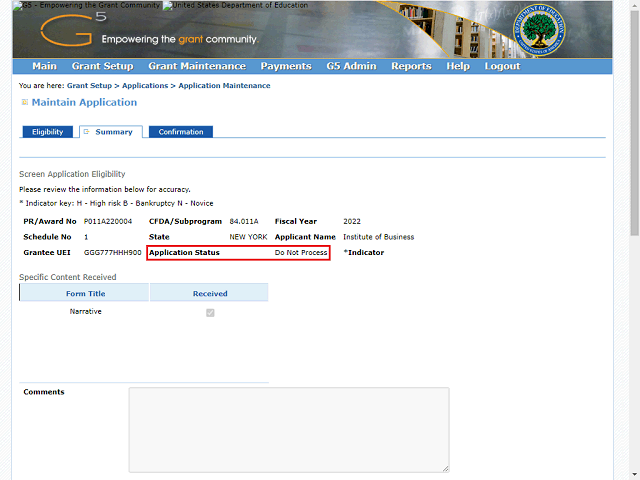
Note: When you mark an application as Ineligible, the Application Status automatically changes to Do Not Process.
Click the Vertical scrollbar to scroll down and review the information you have entered.
Next Step
Table of Contents Topic Overview BackPress Alt + Left Arrow to return to the previous page