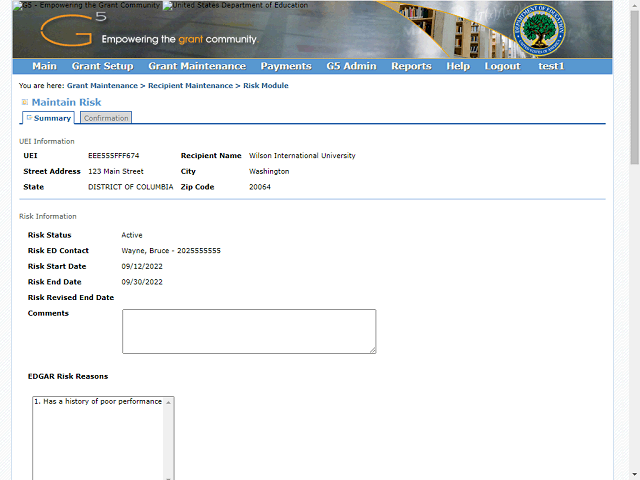
The system displays the Summary screen with the information for the record you are deleting.
Click the Vertical scrollbar and scroll down to review the record to ensure that you want to delete it.
Next Step
Table of Contents Topic Overview BackPress Alt + Left Arrow to return to the previous page