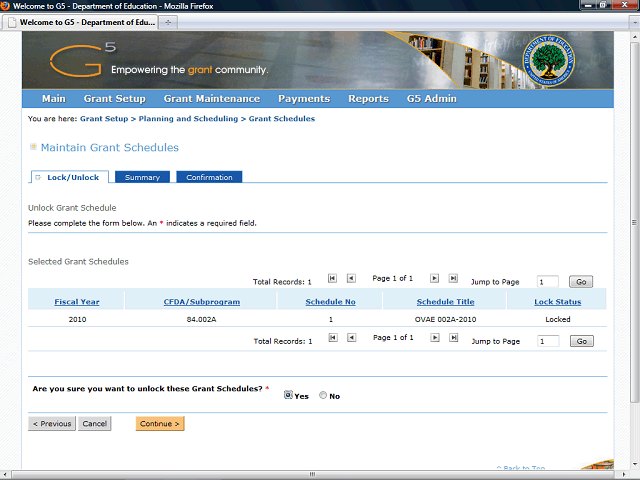
Click the Continue > button to continue to the Summary tab.
Next Step
Table of Contents Topic Overview BackPress Alt + Left Arrow to return to the previous page