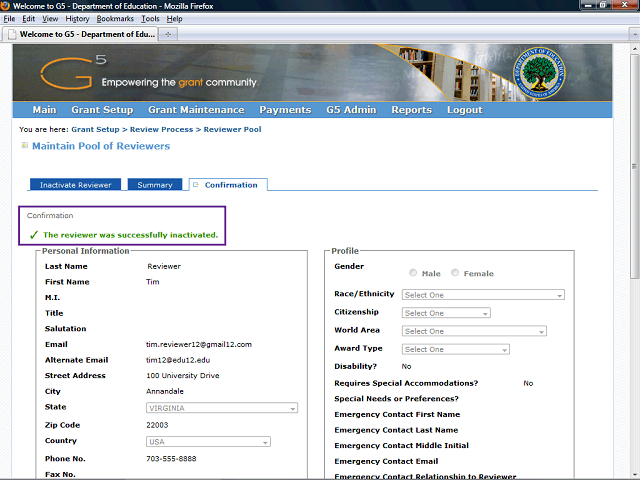
The system confirmation message states that the reviewer was successfully made inactive.
Click the Vertical scrollbar to scroll down to the bottom of the screen.
Next Step
Table of Contents Topic Overview BackPress Alt + Left Arrow to return to the previous page