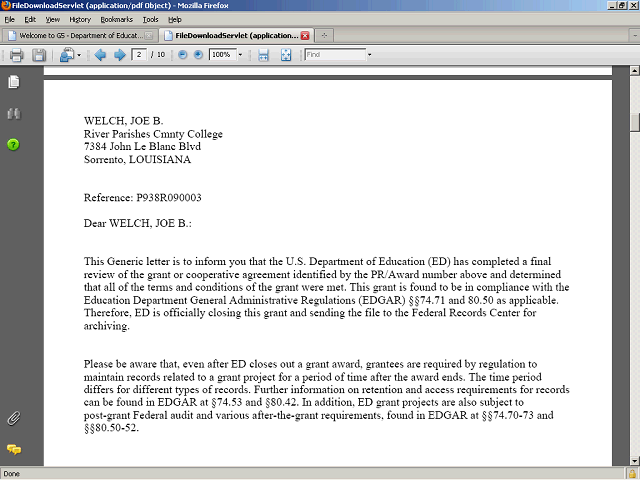
After printing the letters, click the Close Tab button to close the screen and return to the G5 tab.
Next Step
Table of Contents Topic Overview BackPress Alt + Left Arrow to return to the previous page