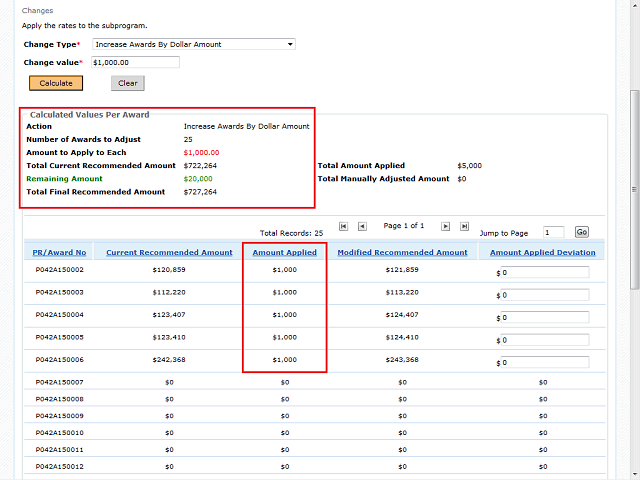
This image is an example of how the columns would appear if you were to increase the awards by a dollar amount, in this case $1,000.
Notice the Amount Applied Deviation fields can be modified here. These fields become activated when there is a remaining amount available. You have the option of manually entering additional applied amounts for each award until the remaining balance is $0.