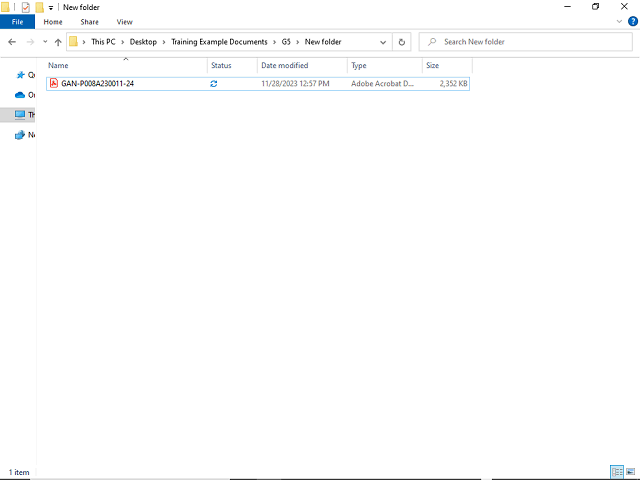

After signing the GAN, you must return to the folder where you downloaded the GAN and delete the file.
Right-click in the Name field.
Note: Electronically signed GANs must be deleted from your computer after completing the eSignature process. Additionally, users should never distribute the GAN saved on their local computers.
Electronically signed GANs are saved in the award's Grant File.