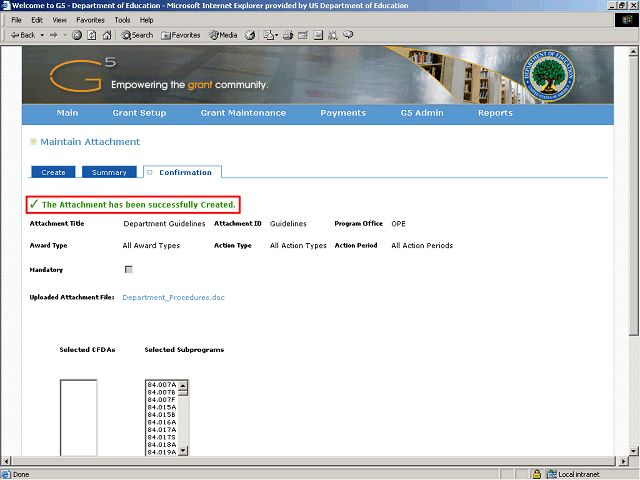
The system displays a message indicating that the attachment has been successfully created.
Click the Vertical scrollbar to scroll down.
Next Step
Table of Contents Topic Overview BackPress Alt + Left Arrow to return to the previous page