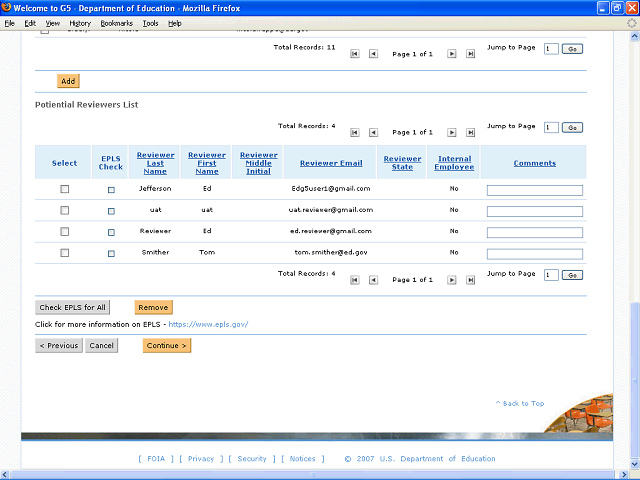
Once you have checked each person on the EPLS website, click the Check EPLS for All button to indicate that none of the reviewers is on the Excluded Parties list.
Next Step
Table of Contents Topic Overview BackPress Alt + Left Arrow to return to the previous page