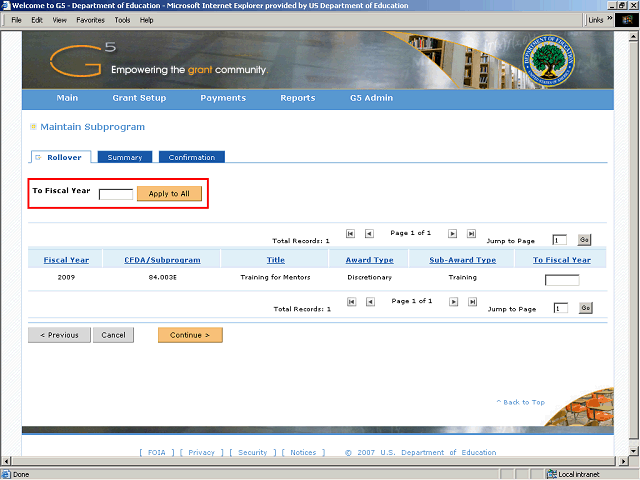
Note: When all the subprograms are marked to be rolled over, you can enter the Fiscal Year once and click the Apply to All button.
Again, for this example, only one subprogram will be rolled over.
Next Step
Table of Contents Topic Overview BackPress Alt + Left Arrow to return to the previous page