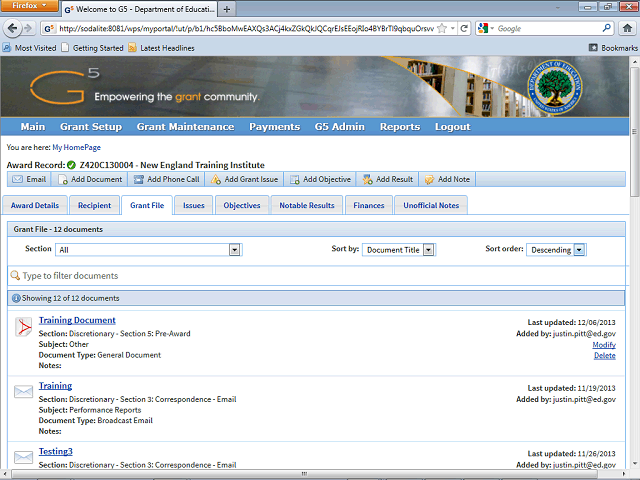
Click the Delete link to delete the desired document.
In this example, click the Delete link to delete the Budget Report.
Next Step
Table of Contents Topic Overview BackPress Alt + Left Arrow to return to the previous page