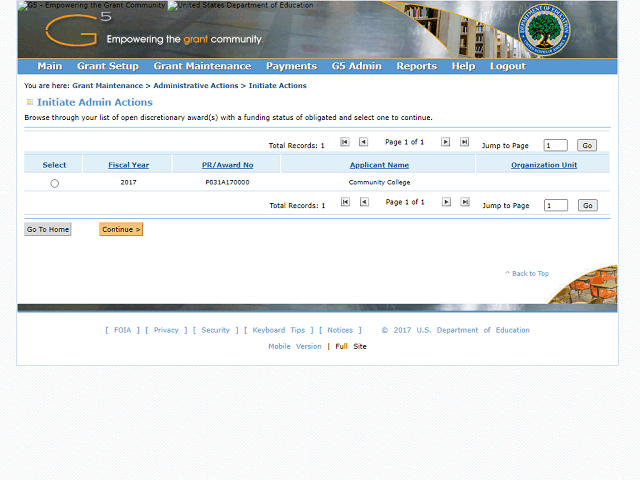
Select the award you want to modify.
In this example, click the Select button to mark Award P031A170000.
Next Step
Table of Contents Topic Overview BackPress Alt + Left Arrow to return to the previous page